
THE EDITING PROCESS
I've built my editing process to take the weight off your shoulders while keeping your work front and centre. From the moment you book a wedding into my calendar to the final delivery, every step is designed to be straightforward for you and meticulous on my end. Here's how it works:
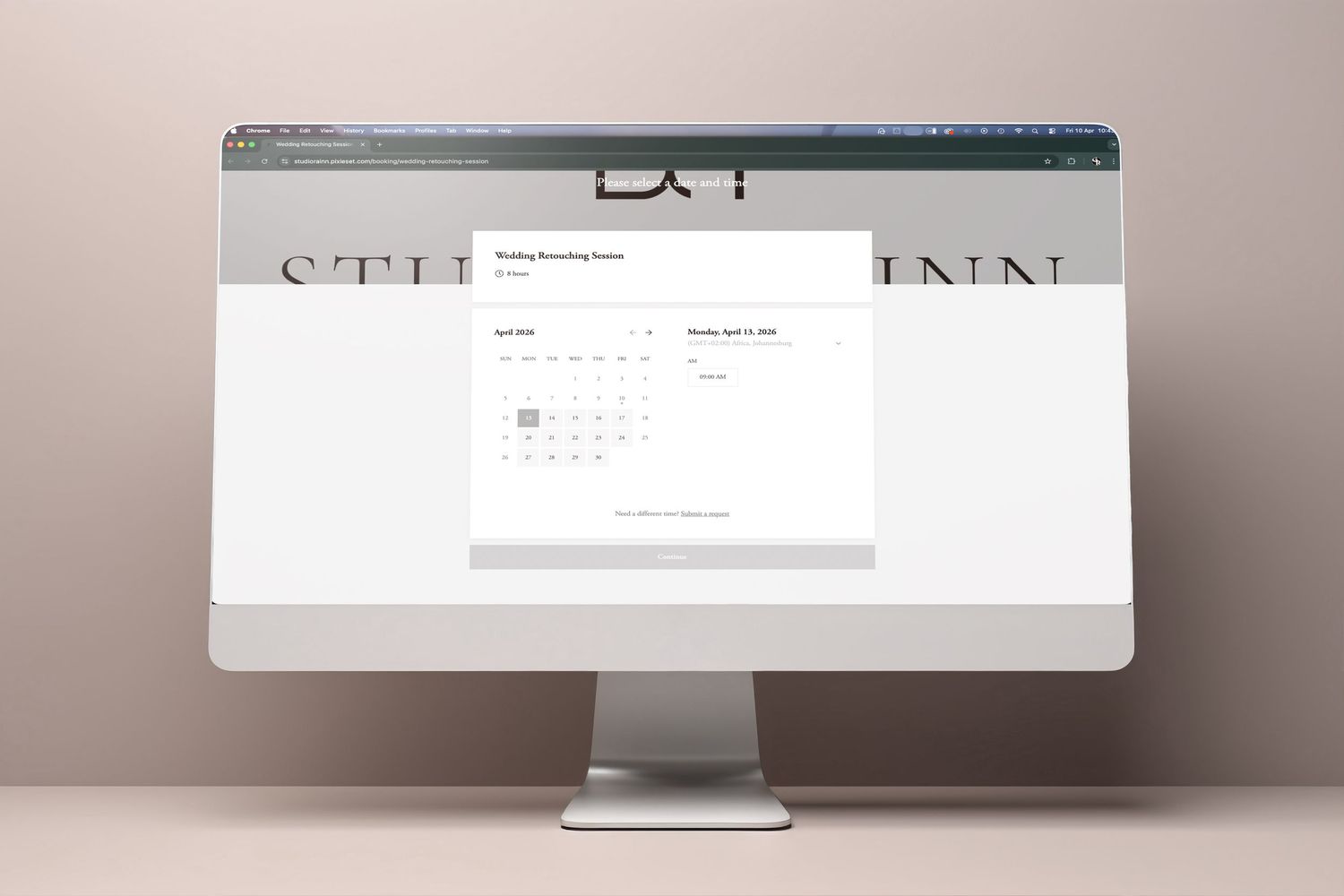
STEP ONE - BOOK & UPLOAD
Once you book a wedding into my calendar, I carve out dedicated time for your gallery. Upload your RAWs via WeTransfer, Dropbox, Google Drive or your preferred method, and fill out a short form with your editing instructions and preferences. I'll confirm your turnaround time as soon as I receive everything.
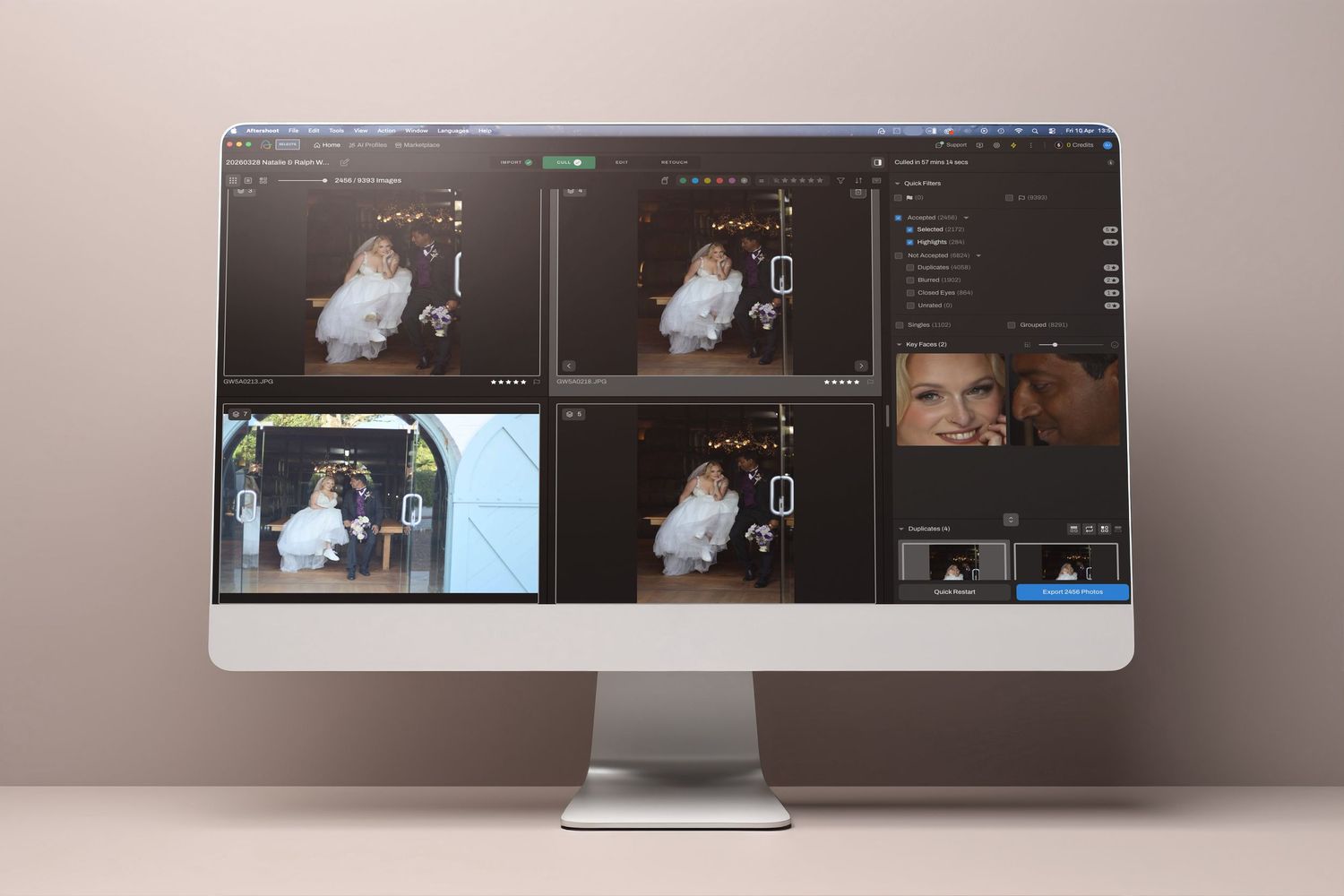
STEP TWO - CUlling
I start with a first pass using Aftershoot to flag the obvious keepers, then go through the entire gallery by hand to select the final images, including double checking the first pass. Every shot is considered individually until I've culled down to exactly the number you need — a gallery that flows and shows your strongest work.
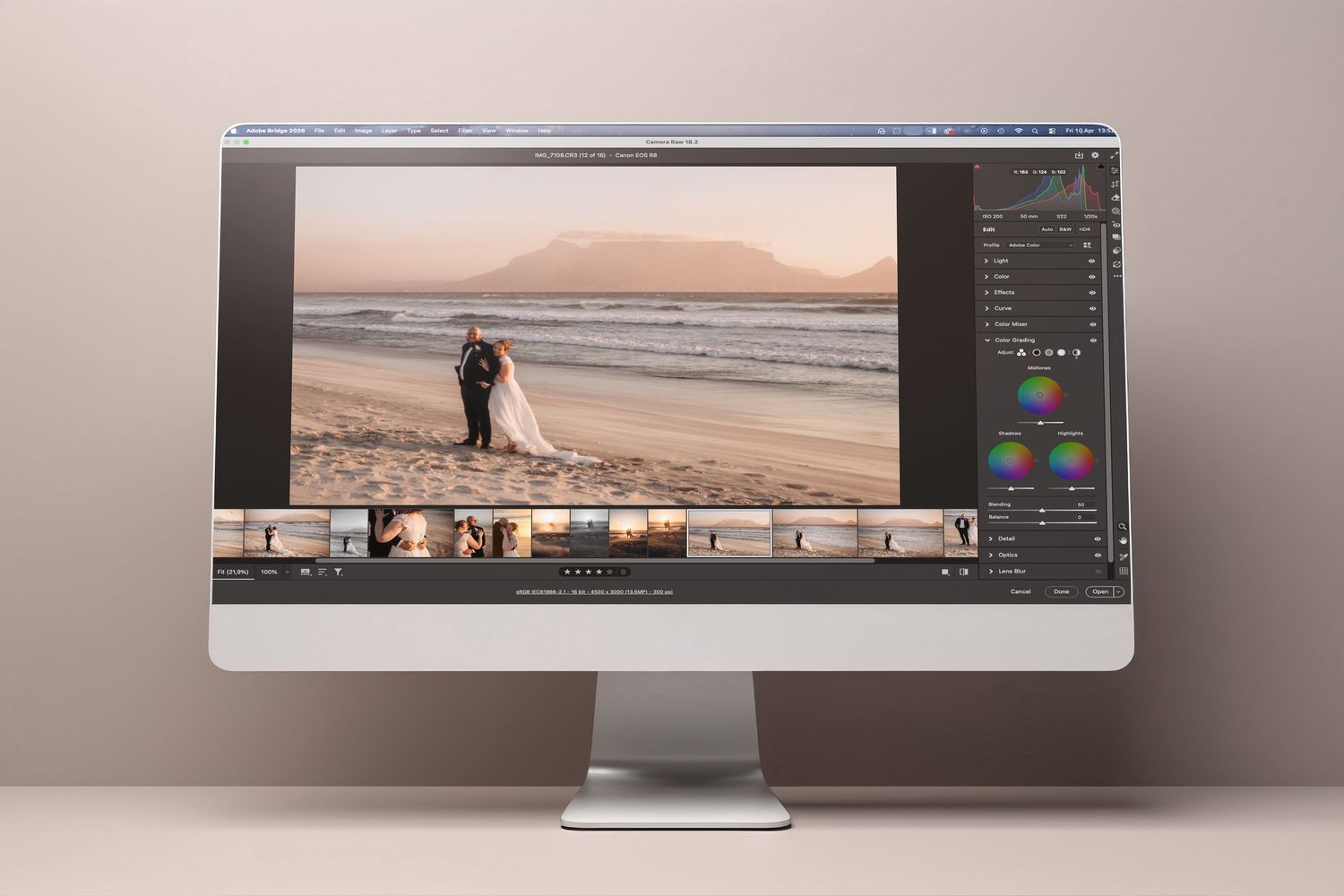
STEP THREE - EDITING
I start by identifying your anchor images — at least one per location and lighting change — to establish consistency across the entire gallery. Each image then gets individual attention: exposure, white balance, colour correction, and skin retouching to match your style. I work in Adobe Bridge and Camera Raw with XMP files to keep everything non-destructive. For images that need more — complex masking, detailed cleanup, advanced retouching — I move into Photoshop.
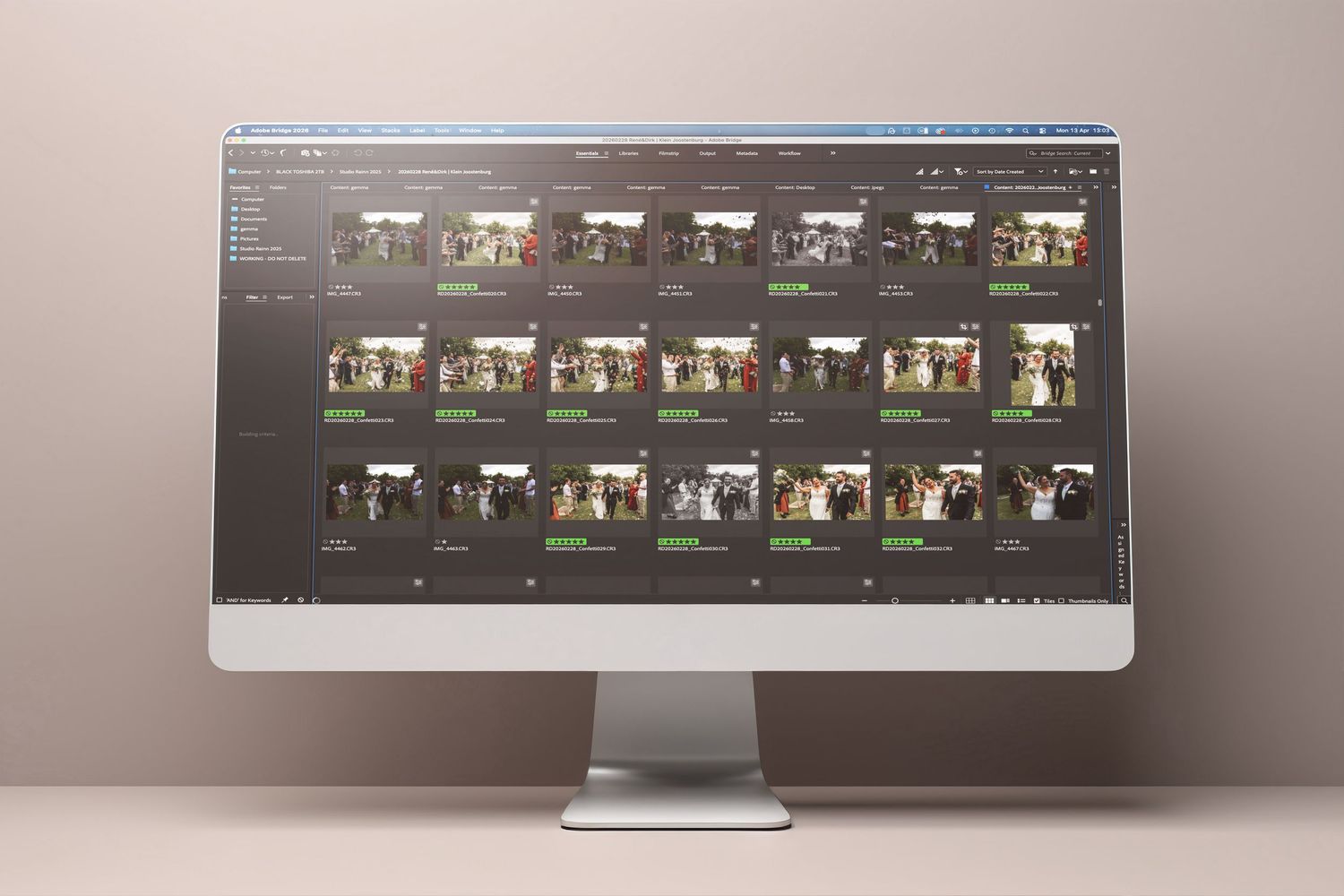
STEP FOUR - DELIVERY
Your fully edited gallery comes back to you via the same transfer method, complete with XMP files and PSD files where necessary. Everything stays accessible in your own workflow, so you can revisit or adjust anything in your Lightroom catalogue, Camera Raw or Photoshop.